



Optus Digital Thumbprint has been endorsed by the eSafety Commissioner as a Trusted eSafety Provider.

Online spaces are a normal part of life for children and young people. They use them to learn, play games, connect with friends and explore their interests. Most online experiences are positive. Sometimes, however, unsafe contact can begin in ways that seem ordinary. This guide for parents and carers includes information on how to spot the warning signs of grooming, tips you can use to help your child recognise and respond to unsafe behaviour online, and where to get help if it’s needed.
Understanding how your child’s online experiences are shaped can help you guide them so it’s important to know that what we see online is not random. Everything from smart TVs to gaming platforms and content streaming platforms use algorithms to decide what someone sees based on what they watch, pause on or click. Over time, this can shape how young people think, feel and engage online, often without them realising it. This guide for parents and carers helps to explain algorithms and recommender systems, how to spot the warning signs content has become more intense over time, tips on what you can do about it, and conversation starters.
Alongside mean comments and rumours, young people are also being bullied with content made using Generative Artificial Intelligence (Gen AI), including altered images, videos and cloned voices. The technology is becoming so advanced that sometimes it is hard to tell what is real and what is fake. This guide, designed for parents and caregivers explains common forms of AI-generated cyberbullying, how to spot warning signs, coping with the emotional stress of cyberbullying, and how to support.
For young people, scams often look like every day online interactions. They might appear as a message from a friend, a gaming reward, a shopping bargain or even a job opportunity. Many are designed to create excitement, urgency or fear so that young people act quickly without stopping to think. This guide, designed for parents and caregivers explains some of the common scams targeting children, what you can do if your child is scammed, and where to get to support.
.png?x14867)
Empower students to create safe online habits to build a digital world where everyone belongs. This 19th August we’re back with another free 30-minute virtual classroom centred on this year’s No Way Bullying Week theme: Small Acts, Big Impact. The session will strengthen students’ understanding of what cyberbullying looks like, how to seek help, and how every student can do their part to protect themselves and their peers online. The virtual classroom will be facilitated by a qualified teacher and will feature Chaz Mostert, Optus Ambassador and Mobil 1 Optus Racing Driver.
As the Optus Ambassador for this virtual classroom, Supercars legend Chaz Mostert uses his real-world experiences as a public figure with a large online following to engage students about their online actions. Through a fun, interactive Q&A, Chaz shares real-world stories and practical advice to help students safely navigate the web. Together, we tackle the topic of cyberbullying while championing a powerful message: choosing small acts online makes a big impact!
Designed for children in early primary school, this activity sheet supports learning about chatbots, and AI safety words and terms.
Designed for children in Grades 4 upwards, this activity sheet supports learning about AI terms, safe prompting, and scenarios to decide if an AI companion or trusted adult is the best one to help.
While GenAI can support learning, challenges do exist, including the potential "leakage" of personal information. This guide, designed for families with children in upper primary or secondary school, explains what personal and sensitive information is, and how sharing it can contribute to a child's online digital footprint.
While AI can be a great creative tool, it does pose certain online safety risks. This guide is designed to give parents of young children the confidence to talk about staying safe while exploring new technology.
Wondering what’s the difference between an Chatbot or AI Companion? While they both use AI to communicate, this guide is designed to give parents of young children an understanding the differences so they can help make children’s digital experiences positive and secure.
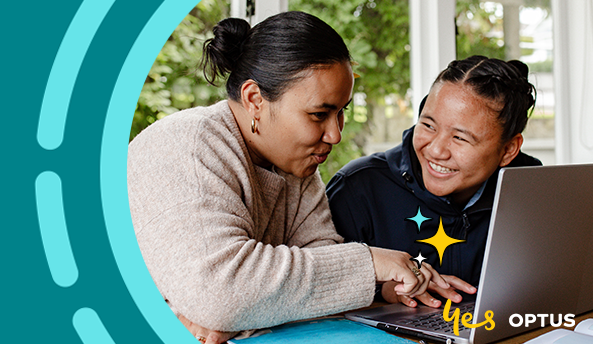
GenAI is becoming the new normal, not only in classrooms but also at home and at work. This guide, designed for families with children in secondary school, provides practical tips and conversation starters to help your child use GenAI safely, fairly and in a way that supports their learning. It includes practical tips, conversation starters, and simple family activities.
Young people are especially vulnerable to being scammed. Not just because they spend more time online, but also because their brains are still developing skills like critical thinking and self-control. This makes it easier for scammers to trick them. One of the most sinister scams is sextortion. It’s a form of blackmail where someone tries to convince you into sending nude images or videos (or creates fake ones that look real), then blackmails you for information, money or more content. This quiz helps children to understand what sextortion is and how it works, the psychological and emotional effects on victims, warning signs, prevention and protection strategies, and how to report incidents and seek help.
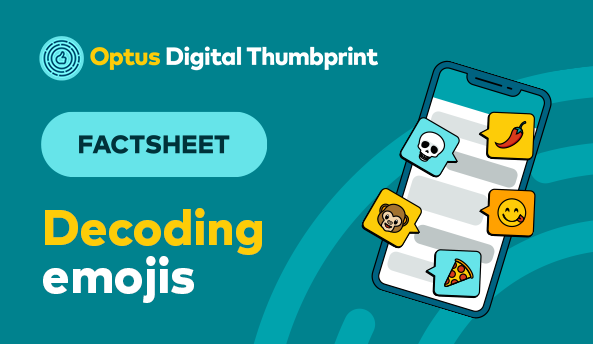
Emojis can have different meanings depending on the context so it’s important to stay informed. We’ve decoded some in regular rotation for young people.
As digital tools and spaces play a bigger role in your child’s life—and yours—being ready to start open, meaningful conversations is key to ensuring their safety. This quiz will help you sense check how prepared you are to start those important discussions and keep the conversation going. Topics covered include first devices, navigating hidden influences, privacy and safety, gaming and online play, respectful relationships, and practical strategies for facilitating productive conversations about digital issues and safety. Ready to find out how you can better navigate these conversations? Let’s get started!
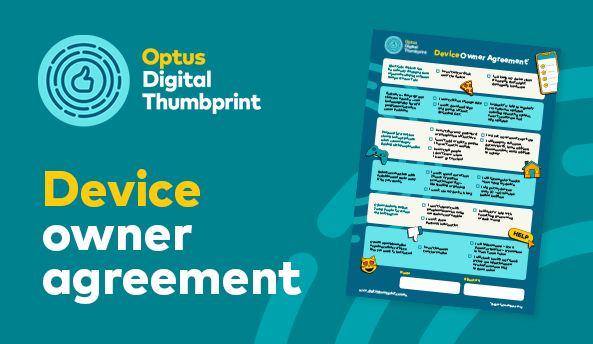
Getting a new device is exciting but also comes with responsibility. A Device Owner Agreement is a great way that families can agree on a list of rules of use with a personal device.
Remember that every family is different and you can adapt depending on the age and maturity of your child.
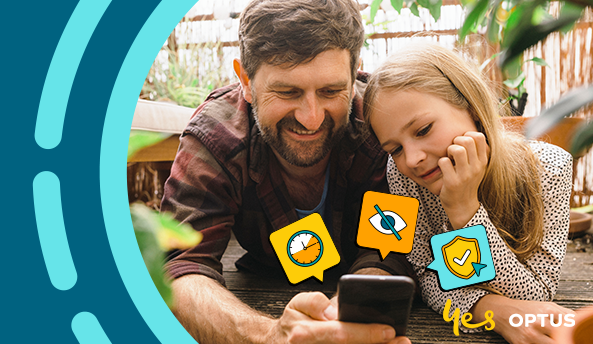
Setting up a new device can be an exciting experience for any young person. A mix of anticipation and curiosity as they explore new features and possibilities. Discussing and agreeing some boundaries around safe use can be a great place to start.
Heard about changes to social media for young people under 16 years old but not sure what it means for your family? We unpack some FAQs to support your child through the changes.
The Social Media Age Restrictions come in on 10 December 2025. They will apply to all Australian children under the age of 16 years and means they will no longer be able to hold or create a social media account.
Optus is helping families navigate a changing online world. Our Digital Thumbprint program supports young people and families to achieve, thrive and belong in today’s digital world. The program supports digital safety and wellbeing through free, curriculum-aligned in-school workshops and a range of resources for use at home. The resources cover a range of digital safety topics such as cyberbullying, gaming, scams, AI, and more.
Explore our free resources for families here
Explore frequently asked questions on the Social Media Age Restrictions
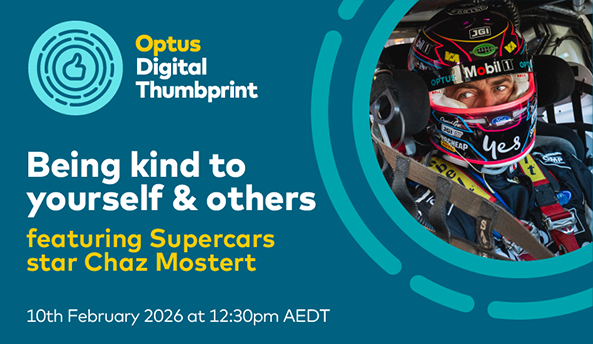
Join us on Tuesday 10th February 2026 at 12:30 AM (AEDT). This free, 30-minute, curriculum-aligned virtual classroom is designed to teach primary students essential digital citizenship skills. The session features Supercars driver Chaz Mostert, who will share his personal experience with cyberbullying in sport and discuss the importance of being kinder to ourselves and others online. Students will also learn:
- Kindness is key
- Being a good and respectful digital citizen
- Spotting fake stuff
- AI can be a misinformation machine
- Protecting yourself online
- Talking to your grown-ups
- Asking for help
It’s live on Zoom, completely free, and aligned to the Australian Curriculum.
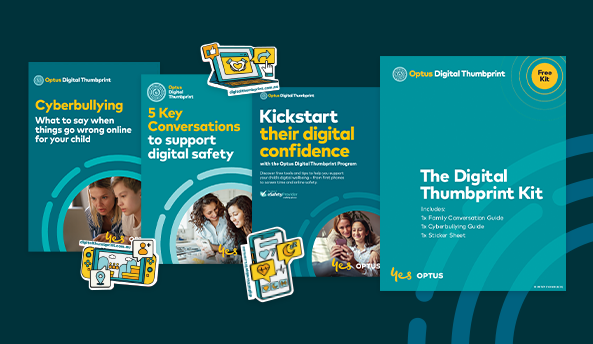
Available in retail stores nationally, this kit includes parent conversation guides on cyberbullying, protecting personal information, and smart watches and first phones. There’s also stickers for children. Drop into a store and collect.

Check out our new guide for practical tips and conversation starters to help your child engage with Gen AI safely and productively.

While there is a lot of advice around the “best age” to get a smartphone, you are best placed to assess your child’s readiness based on their level of maturity and critical thinking capability.
Our First Phone Readiness Quiz can help you decide whether your child might be ready for their own smartphone, and what are the things to look out for after they get their first device.
The Digital Thumbprint Program covers five key topics.


